0.00%
Technology
Best Headless CMS: How To Choose the Right Platform for Your Content Future
Handling content via websites, apps, and devices often feels messy and repetitive. Traditional platforms limit your content to a single design or channel, making updates slow and scaling more difficult.
A headless CMS platforms change that. It lets you manage all your content in one place and publish it anywhere (web, mobile, or even smart devices) with full creative and technical freedom.
In this guide, we’ll explore how headless CMS platforms work, when they’re the right choice, and which ones stand out for flexibility and growth.
What Is a Headless CMS and Who Needs It
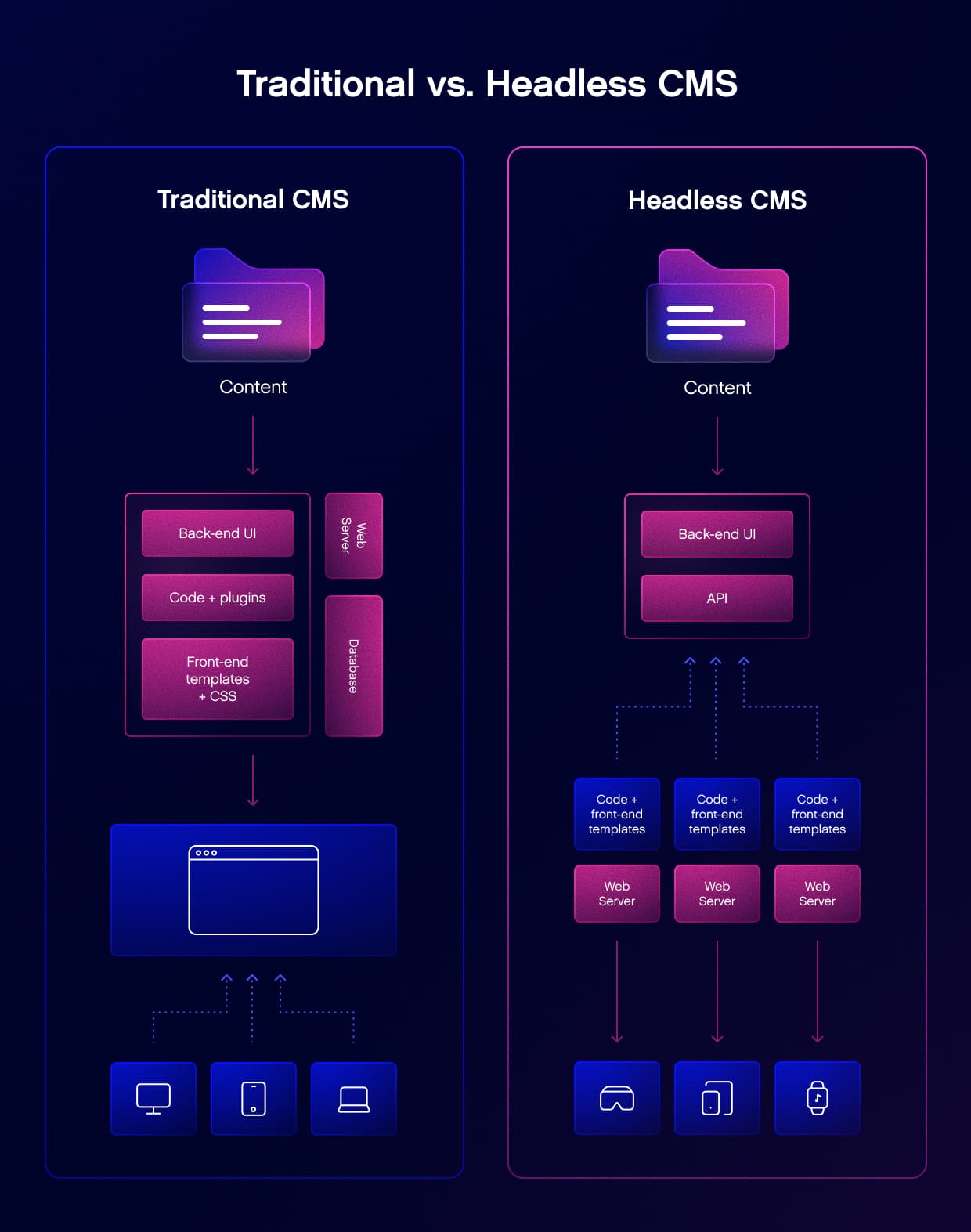
A headless CMS splits the content backend (“body”) from the design or presentation layer (“head”). Instead of sending information straight to a website, it delivers it through an API. This API can then feed any platform, such as a website, app, smart TV, or even an IoT device.
In simple terms, a headless CMS breaks everything into clear, reusable parts, so you can create it once and publish it across multiple platforms.
This setup works best for:
Product and content teams creating digital experiences for various platforms.
Marketing teams publishing in multiple channels and connecting with various marketing automation tools.
Engineering teams using frameworks or static site generators like Next.js, Nuxt, or SvelteKit.
Headless CMSs also integrate well with eCommerce platforms, helping brands to handle product data and content in one unified workflow.
If your business spans multiple digital platforms, a headless CMS keeps everything consistent and connected. Also, by leveraging a modern solution with advanced headless CMS capabilities, the company can reduce the development time.
How It Works: Content → API → Frontend
In a headless setup, a CMS separates content creation from display. Editors add and organize content in the system, which is then delivered through an API (REST or GraphQL) to any platform.
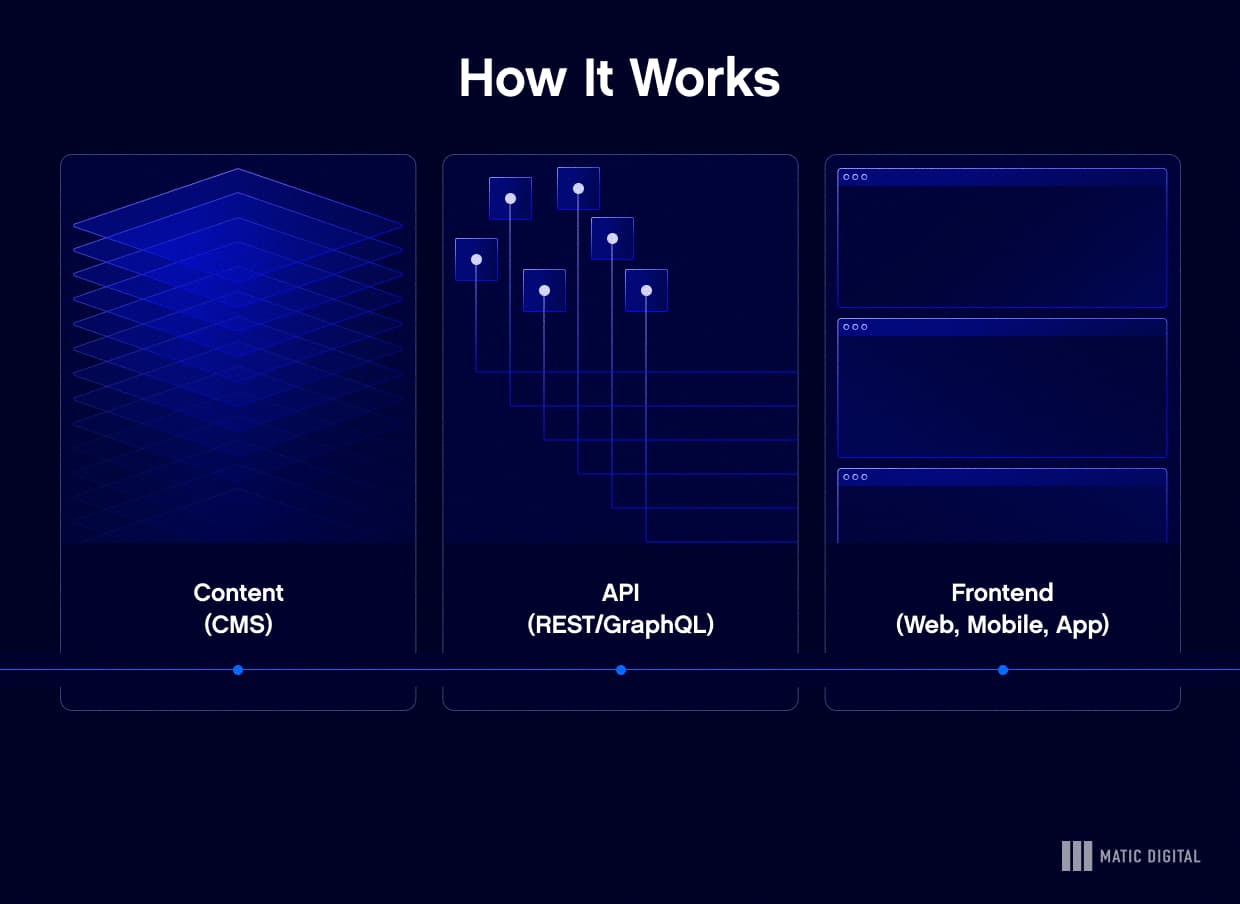
This setup lets software engineers control how everything looks and performs. At the same time, editors can focus just on producing and updating information.
When Headless Is Not a Fit
A headless CMS isn’t always the best fit. If your site is small or you don’t have an engineering team or don't need some custom components, a traditional CMS like Wix or WordPress will likely be simpler to manage.
Avoid headless if:
You don’t have in-house developers.
You only manage one website and don't have difficult content workflows.
You need themes, custom plugins, or drag-and-drop tools.
You are not interested in real time collaboration.
You don't need any third party services.
Criteria for Choosing the “Best” Headless CMS
When choosing a right headless CMS, look for one that’s easy for content editing teams, flexible for development team, stable at scale, with relieble community support, key features you need.
Editor UX & Real-Time Preview
Editors should be able to create content easily. Look for a clear, rich text editor and instant previews that show how pages will look before publishing.
APIs, SDKs, and Webhooks
Developers require seamless integration. Unlike traditional CMS platforms, headless CMSs give developers more flexibility. They support REST and GraphQL APIs, image management, webhooks for automation, customizable workflows, API performance, and SDKs for frameworks like React, Vue, and Node.js.
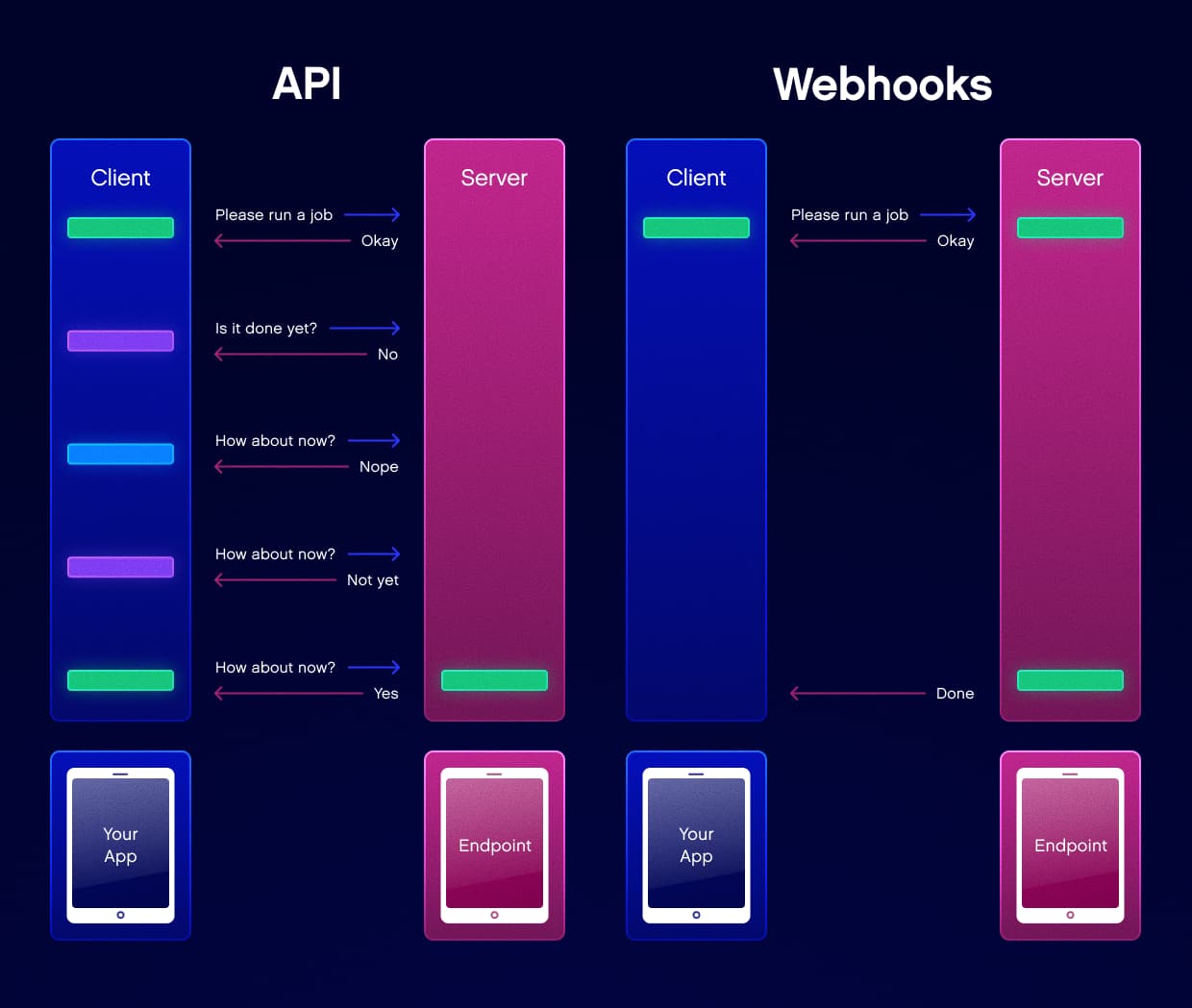
Scalability, CDN, and SLA
Enterprise-ready systems use a global content delivery network (CDN) to serve content quickly worldwide. Look for uptime above 99.9% and strong caching.
Roles, Permissions, and Security
Large projects need user roles, audit logs, and compliance with GDPR or SOC 2.
Pricing, Limits, and Free Tiers
Check limits on users, API calls, documentation services, and storage. Transparent pricing usually means a reliable product. You can choose a free plan, business plans, or enterprise plans.
Top Headless CMS: Quick Shortlist
Unlike traditional CMSs, a headless CMS architecture completely decouples the back-end content repository from the front-end presentation layer via APIs. This gives development teams total freedom to build and deliver experiences on any channel – mobile, smart watches, digital signage, or VR – while editor teams enjoy a clean, focused content management interface.
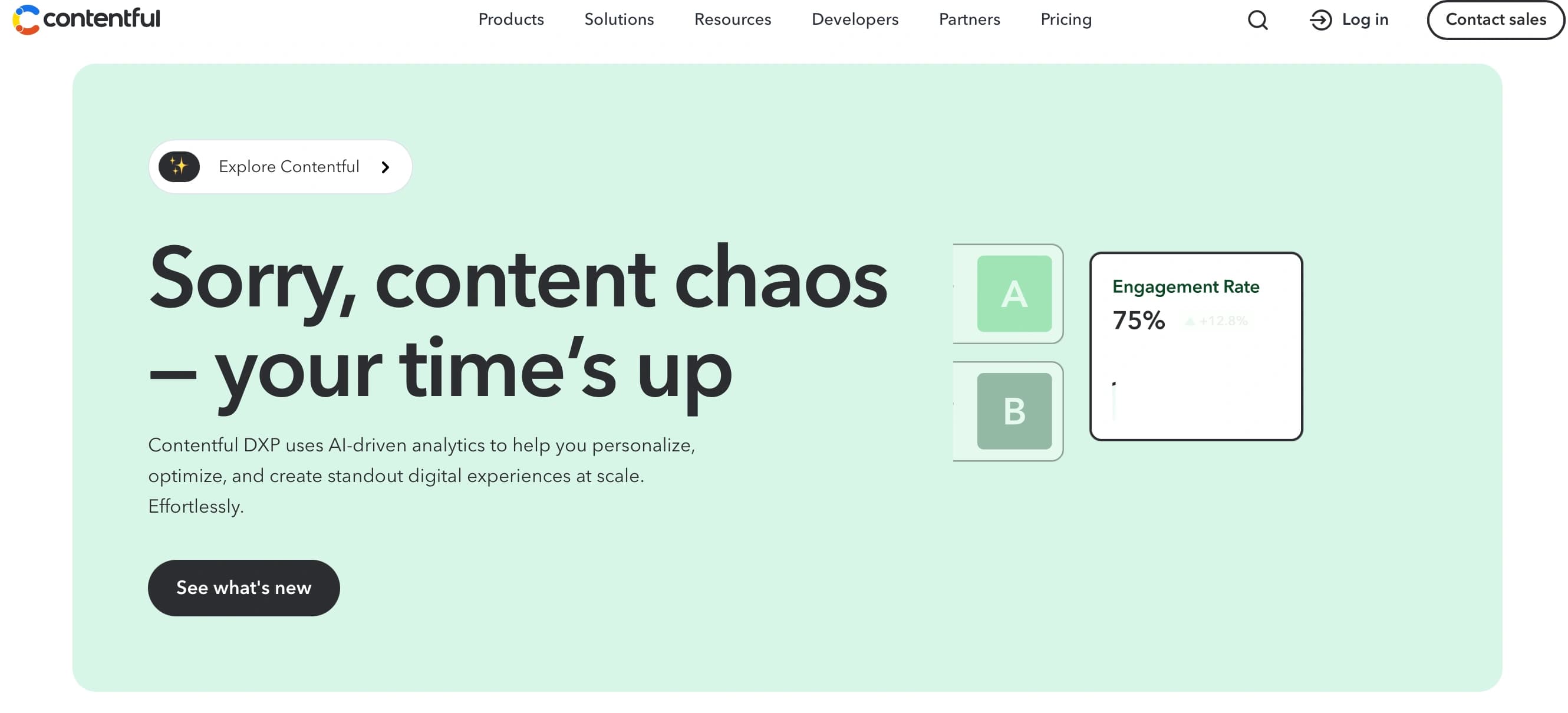
Contentful – Enterprise-Ready
This member of the headless CMS platforms list offers a great UI and strong integrations. Uses a global content delivery network for fast load times. Best for large businesses that want to find systems to distribute content, implement a user-friendly interface, and use different digital channels.
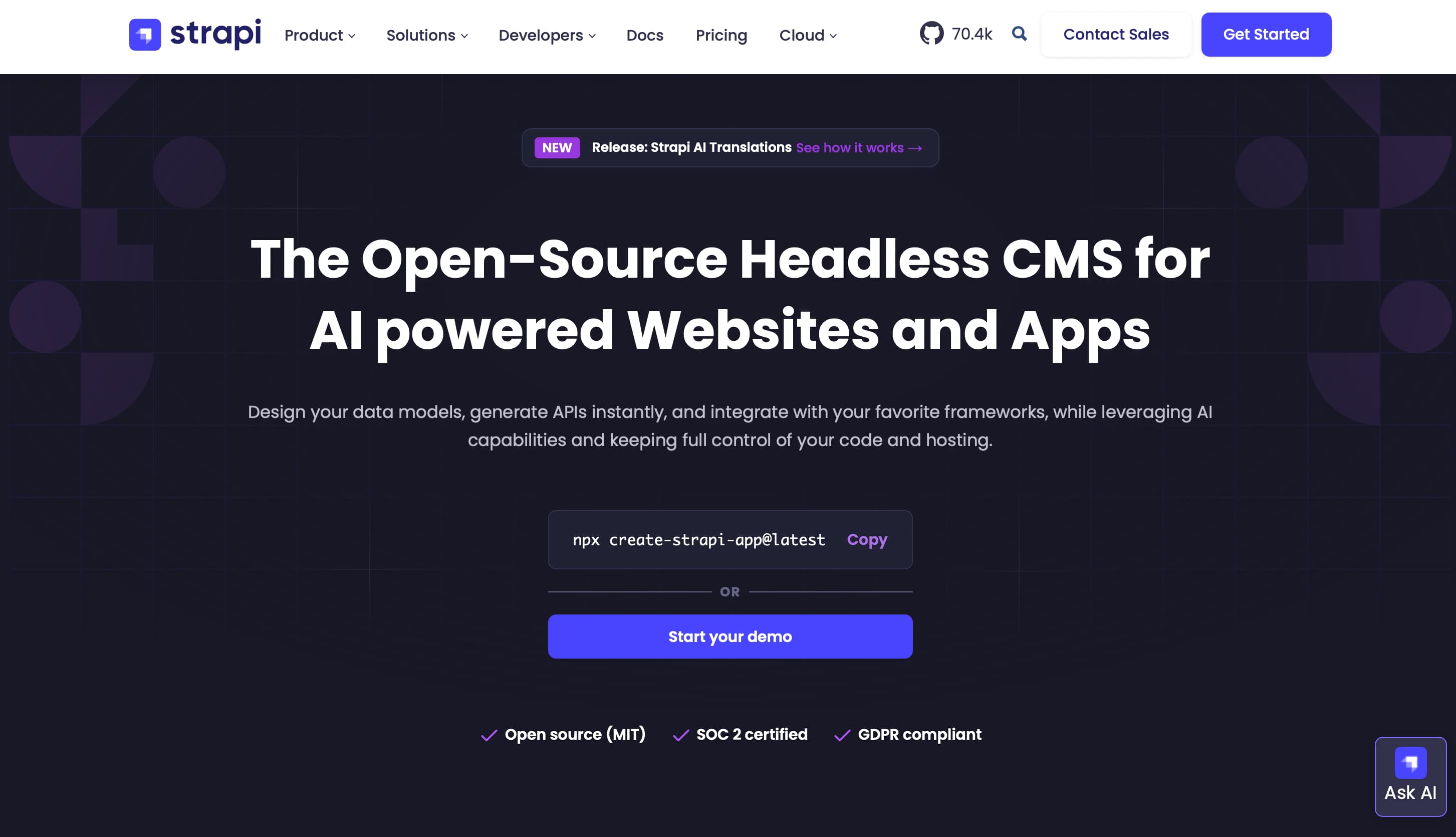
Strapi – Open-Source & Self-Hostable
An open source headless CMS created with Node.js. Fully customizable and perfect technology for developer teams and organizations who want control over their data and workflows.
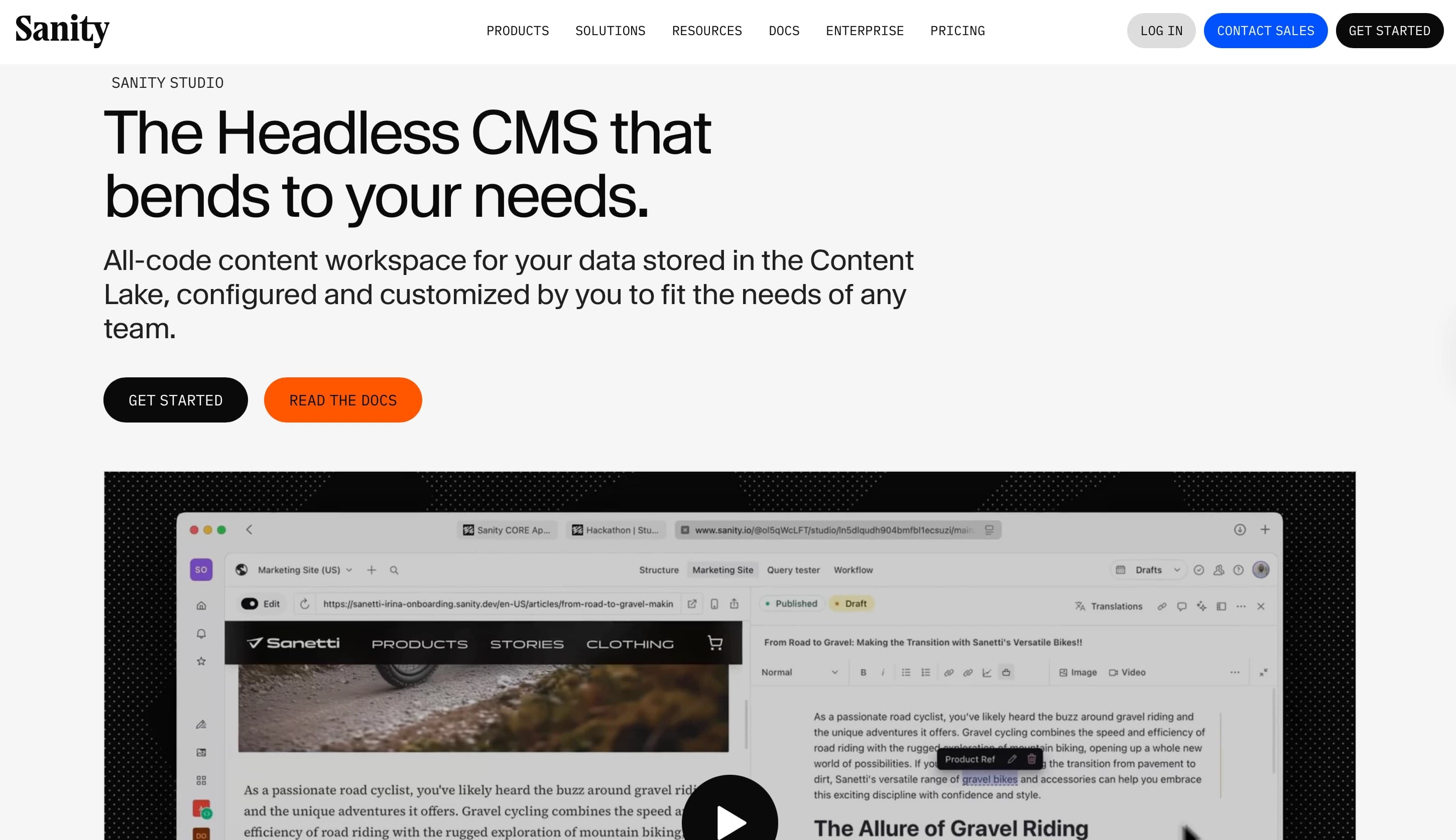
Sanity – Real-Time Studio
It’s a flexible tool where teams can edit and manage content together in real time, making it great for big projects and editorial teams.
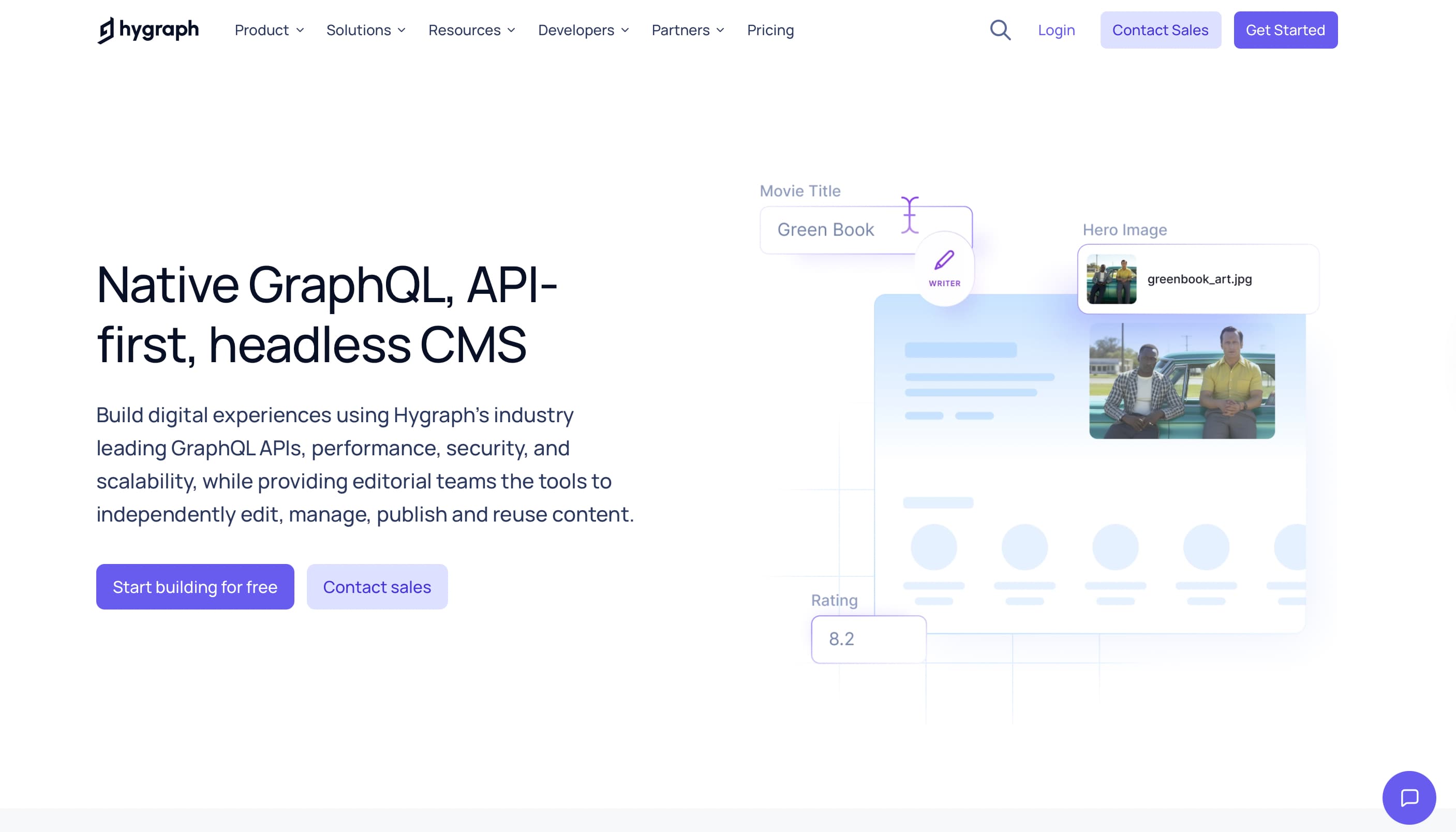
Hygraph (GraphCMS) – GraphQL-First
This headless CMS platform is built around GraphQL; this platform handles structured content and is ideal for multi-channel projects.
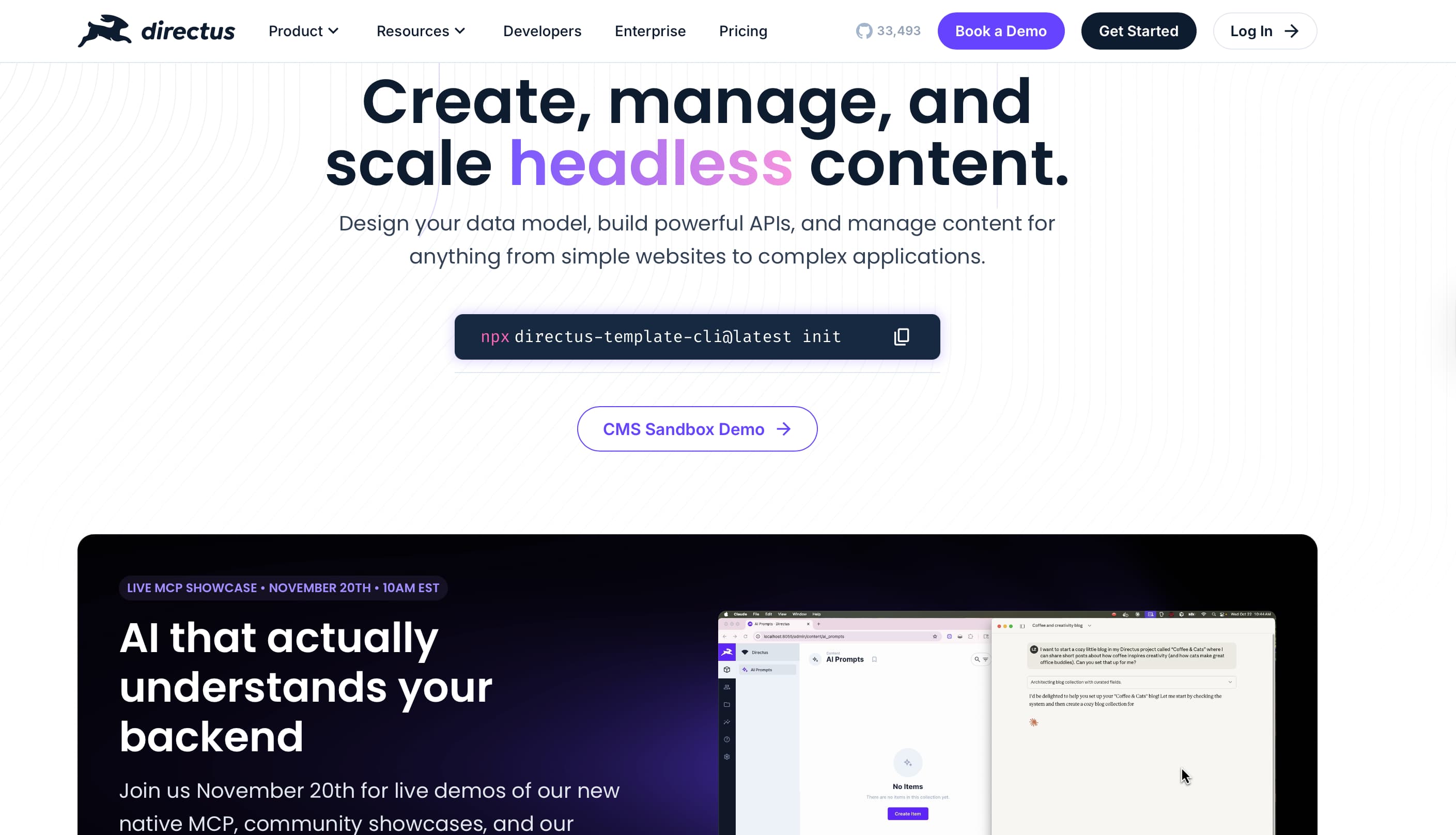
Directus – SQL-Backed
Sits on top of your existing SQL database, adding a visual layer and API instantly. Perfect for teams that want data ownership.
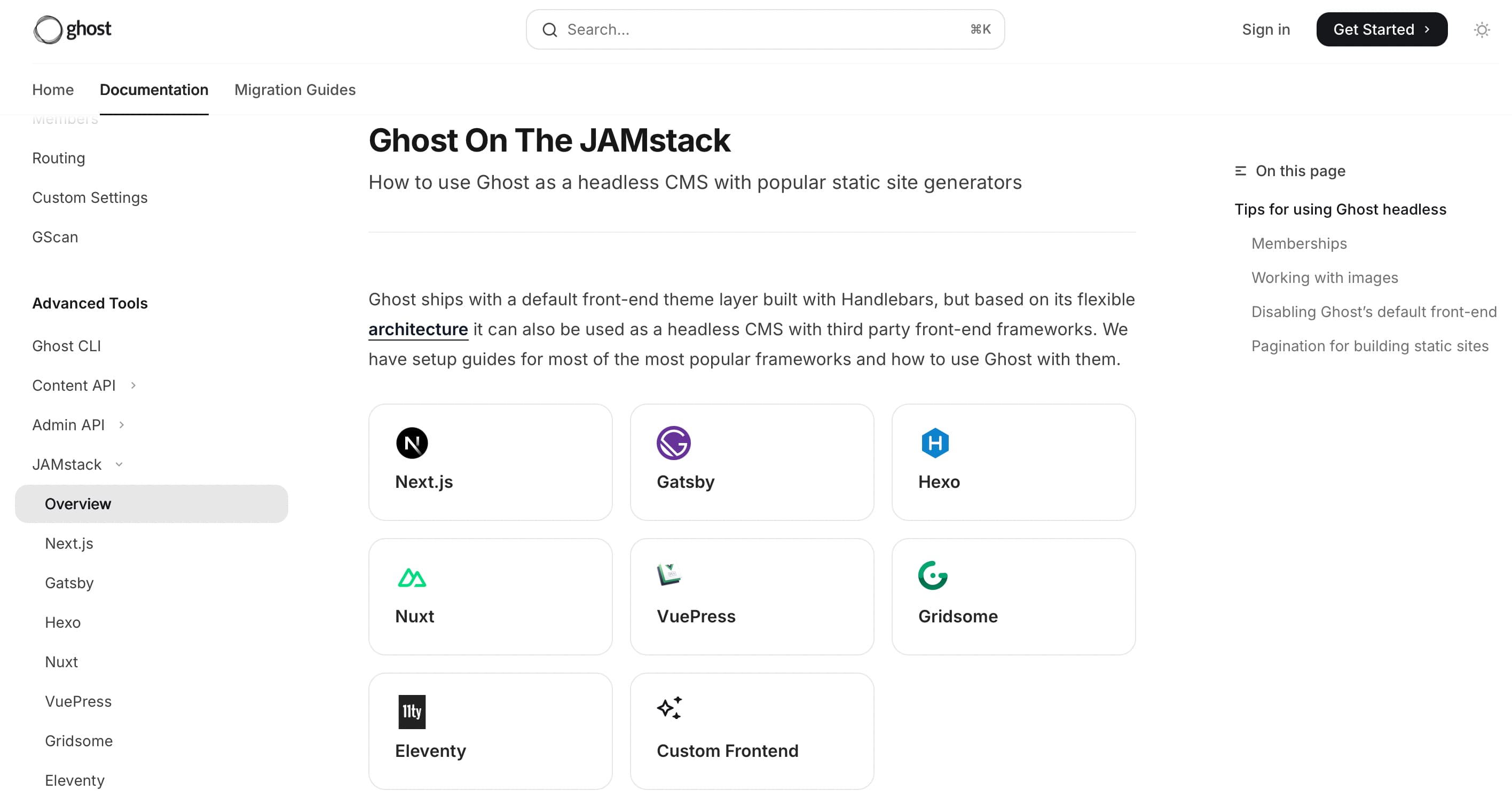
Ghost (Headless Mode) – Blogs & Media
Ghost's headless CMS used to be a blogging platform. Now it offers a headless mode for fast, minimalist content distribution via REST API.
SEO Implications & Best Practices
Headless content management systems don’t take away your SEO control. They just change how you manage it compared to traditional CMS platforms. With this setup, using static site generators helps boost Core Web Vitals.
Static/ISR (Next.js/Nuxt) & Core Web Vitals
Use static site generators like Next.js or Nuxt improves load speed and SEO performance.
Metadata, Canonicals, Schema.org
Set up meta tags, OpenGraph data, and schema markup. Some CMSs include advanced SEO tools to handle these automatically.
i18n, Slugs, Redirects, Sitemaps
Choose content management platforms that support multiple languages, slugs, redirects, and automatic sitemaps.
Free Options & Free Tiers
With true omnichannel content delivery, the same piece of content can flow instantly to your website, mobile app, smartwatch, in-store kiosk, voice assistant, or even a car dashboard. A headless existing systems make this possible by treating content as structured data delivered via APIs, so you’re never locked into a single channel or device.
Open-Source (Self-Host)
Platforms like Strapi, Directus, and Ghost can be hosted on your own server. Strapi and Directus are great choices if you want an open source headless CMS that you can host and customize yourself.
Generous Free Tiers
Sanity, Hygraph, and Contentful offer free tiers suitable for small projects or MVPs, though limits on API calls and users apply.
Quick Start: Stack & Checklist
Getting started with a headless CMS is easier than it sounds. With the right setup, you can launch a fast, scalable website in days.
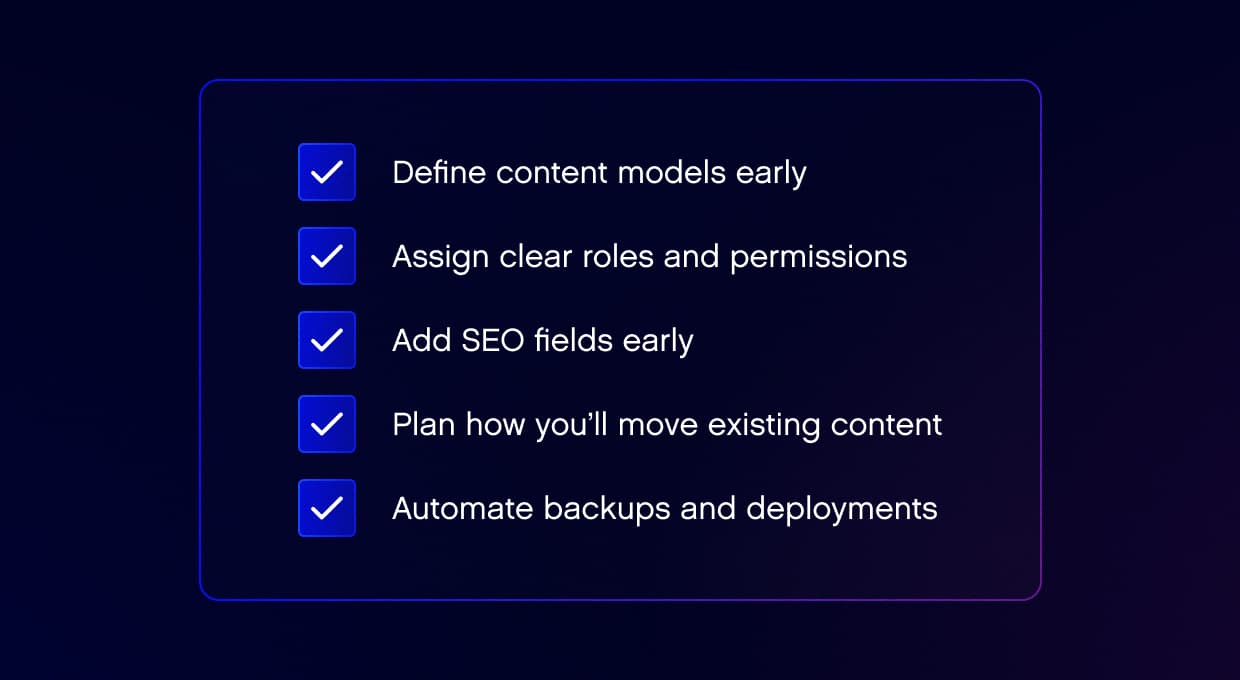
Recommended stack:
Frontend:
Next.js (React) or Nuxt (Vue) — frameworks built for hybrid rendering (static, server-side, and incremental). They handle routing, performance optimization, and SEO seamlessly.
Alternative options: Remix, Astro, or SvelteKit for teams exploring lightweight or experimental approaches.
Deployment:
Vercel or Netlify — both offer serverless infrastructure, automatic builds, and global edge delivery via CDN. Perfect for CI/CD pipelines and staging environments.
If your enterprise and stack grow, think about AWS Amplify or Cloudflare Pages for custom infrastructure.
CMS:
Choose from the shortlisted content management platforms (Contentful, Strapi, Sanity, Hygraph, Directus, Ghost).
Use Contentful or Hygraph for large or multilingual websites.
Choose Strapi/Directus if you want full control over your data and hosting.
Pick Sanity when your editor and developer teams need to work together in real time.
Supporting tools:
Analytics: GA4, Plausible, or PostHog for privacy-compliant insights.
Search: Algolia or Meilisearch for lightning-fast in-site search.
Design & prototyping: Figma for modeling content structures and preview flows.
Key Takeaways
There’s no universal best headless CMS. There's only one that matches your team, advanced workflow management, and growth goals. Start with a basic setup, try different tools, and refine your stack.
FAQ


About Matic
We're a B2B transformation agency creating strategic advantage through branding, websites, and digital products.